
Upscale
Nearest-neighbor upscaling that keeps pixels crisp.
What it does
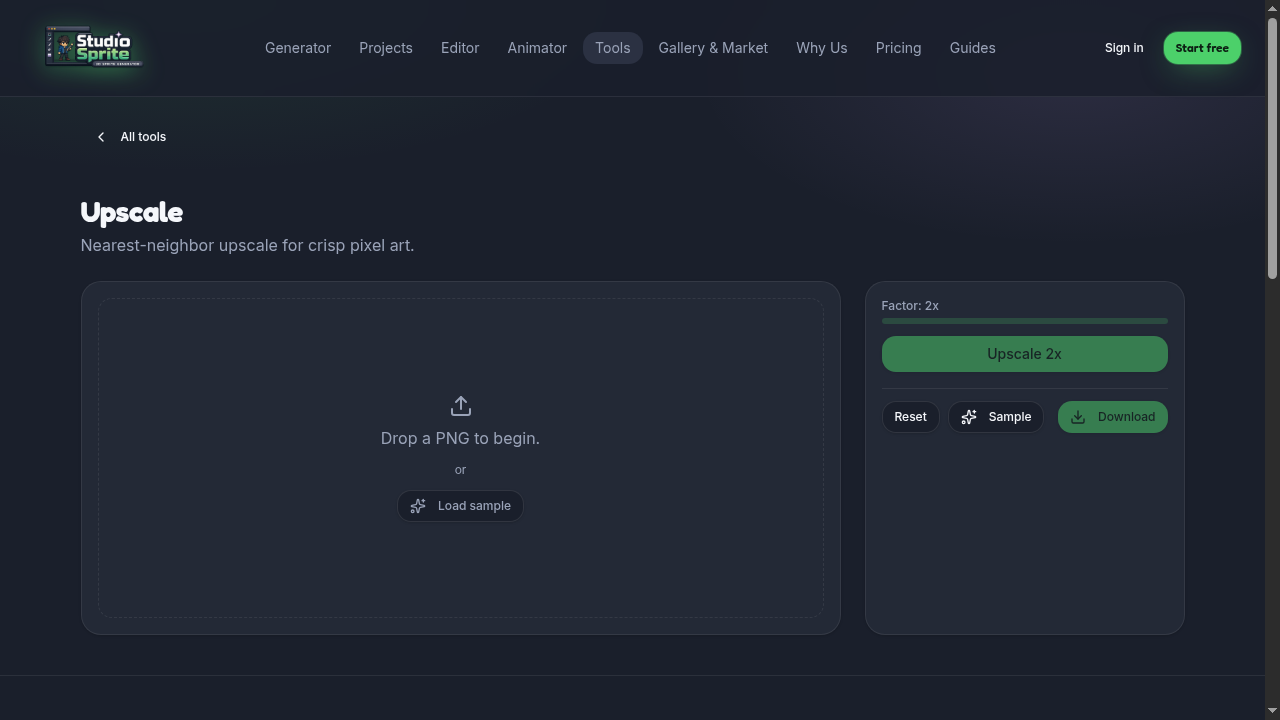
Multiplies sprite dimensions by 2×–8× with nearest-neighbor filtering — no blur, no antialiasing. The right way to scale pixel art for higher-res displays.
How to use it
1. Drop a sprite in (or click Load sample to try it instantly). 2. Pick Factor (2–8). 3. Click Upscale.
Pro tip
Don't use this on HD-2D sprites — use the Resize tool with smoothing instead.
Open the tool
Find it on the Tools page under its category. Every tool runs in your browser — no upload limits, no credits charged.
Ready to try it?
Open the generator →