
Remove Background
Sample background color from corners and make it transparent.
What it does
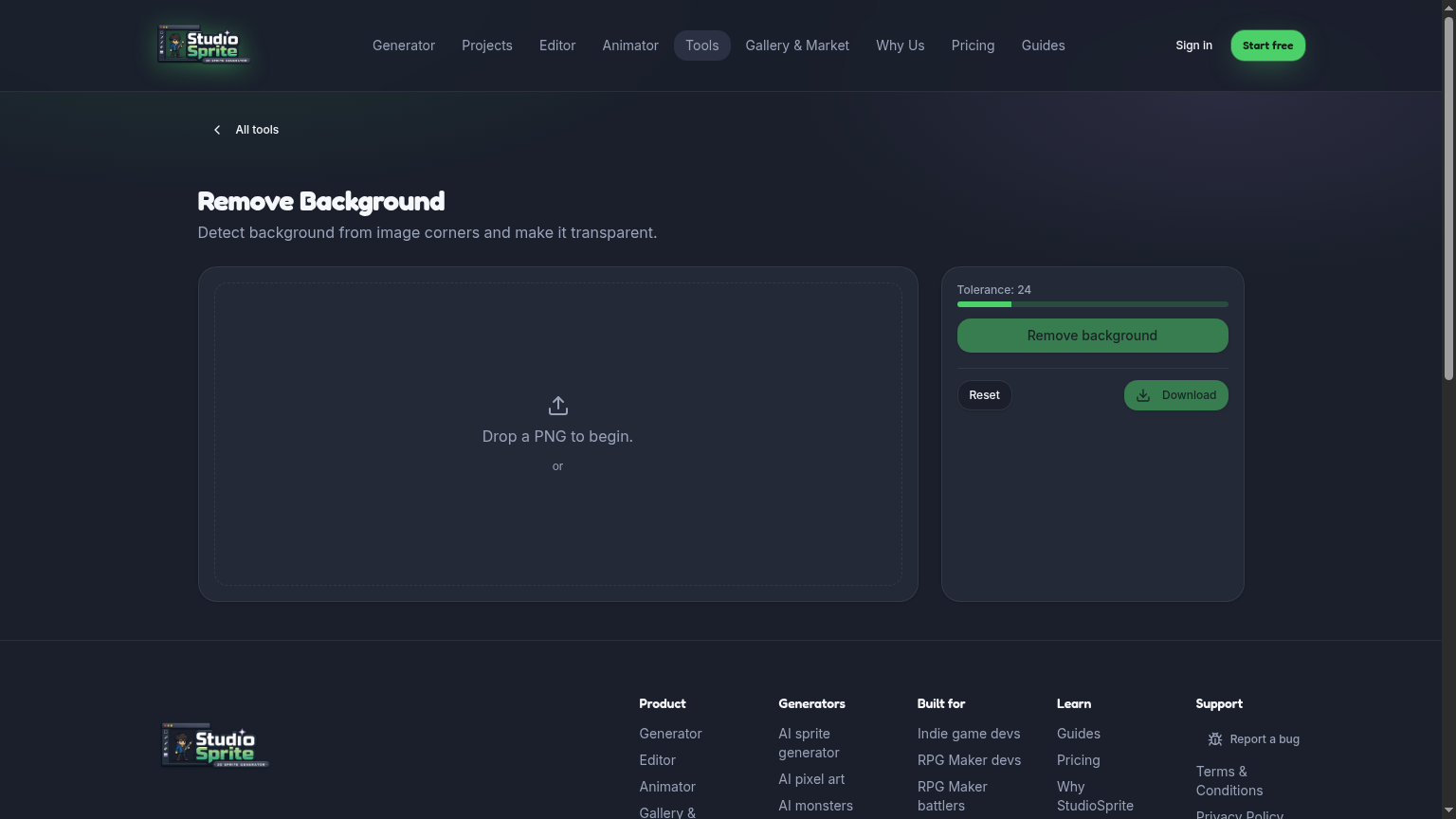
Reads pixels from the four corners, detects the dominant background color, and clears everything within tolerance.
How to use it
1. Drop in a sprite with a flat background (or click Load sample). 2. Raise Tolerance until the background is fully cleared without eating the subject. 3. Click Remove background.
Pro tip
Doesn't work on busy/photographic backgrounds — for those, generate fresh in StudioSprite which always returns transparent.
Open the tool
Find it on the Tools page under its category. Every tool runs in your browser — no upload limits, no credits charged.
Ready to try it?
Open the generator →