
Pixel Editor
Browser-based pixel editor with palette, layers, and per-pixel tools.
What it does
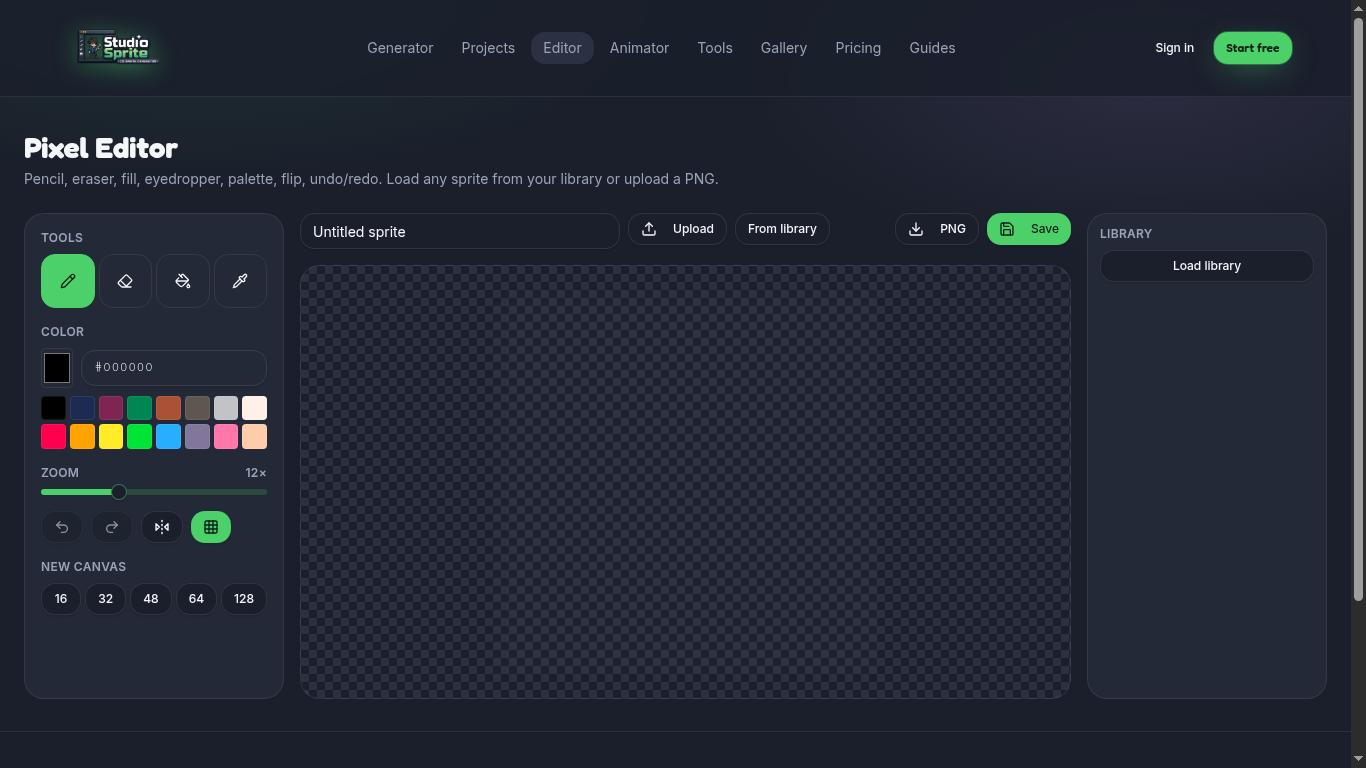
A free in-browser canvas for hand-touching AI output: pencil, eraser, fill, line, rectangle, color picker, layers, and palette management.
How to use it
1. Open /editor (or Tools → Pixel Editor). 2. Open a sprite from your Library or start a blank canvas. 3. Use the toolbar to paint, then Save back to the Library (earns +5 XP).
Pro tip
Hold Shift while drawing to constrain to straight lines. Use [ and ] to change brush size.
Open the tool
Find it on the Tools page under its category. Every tool runs in your browser — no upload limits, no credits charged.
Ready to try it?
Open the generator →