
Animator
AI-assisted frame-by-frame animator with onion-skin and spritesheet export.
What it does
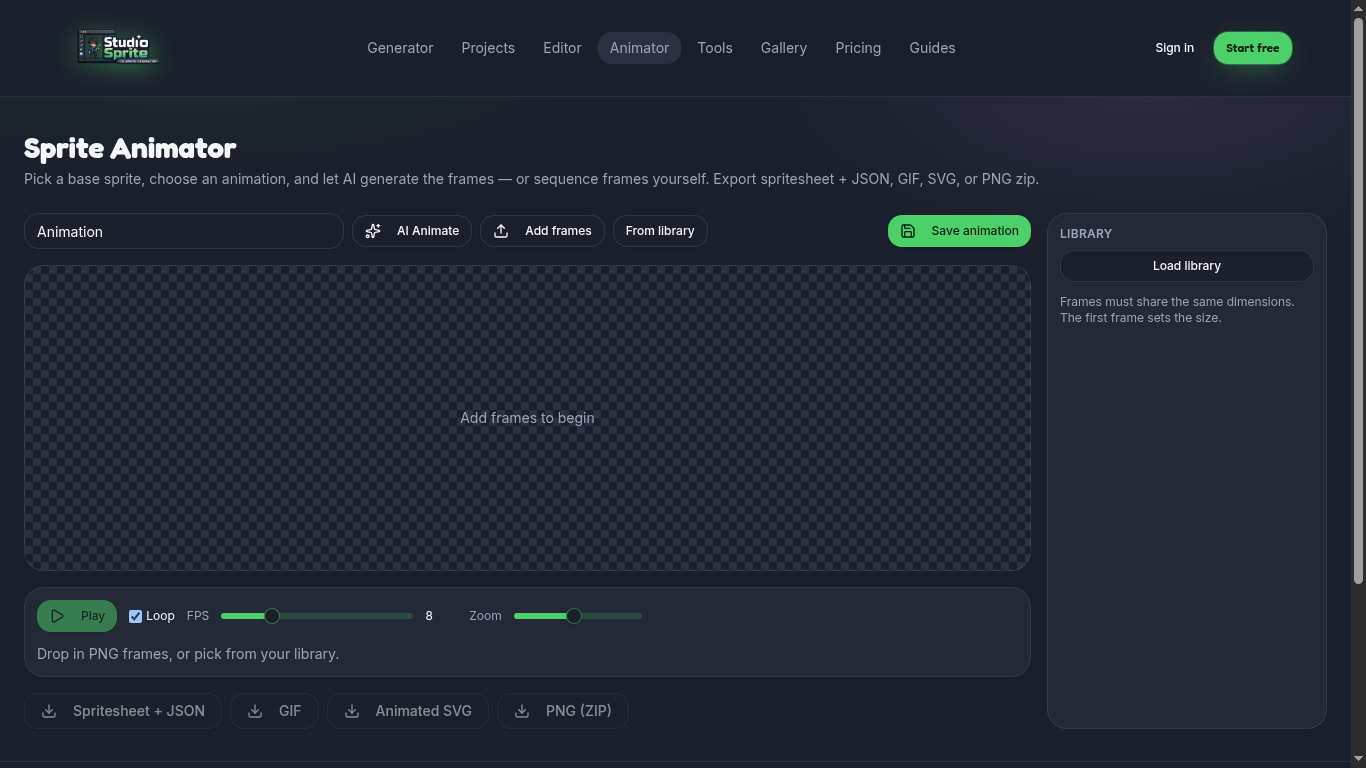
The Animator takes a base sprite and generates additional frames for a named cycle (idle, walk, attack). You can scrub the timeline, set FPS, and export as spritesheet + JSON, GIF, animated SVG, or a ZIP of PNGs.
How to use it
1. Open /animator. 2. Pick a base sprite from your Library. 3. Choose the cycle (e.g. "walk", 8 frames) and FPS. 4. Hit Generate frames — credit cost depends on frame count and mode. 5. Review with onion-skin, edit individual frames if needed, then export.
Pro tip
HD-2D animations cost more credits. For long cycles, start at 6 frames and add only what you need.
Open the tool
Find it on the Tools page under its category. Every tool runs in your browser — no upload limits, no credits charged.
Ready to try it?
Open the generator →