
AI Generator
Text-to-sprite with optional reference image and per-project DNA lock.
What it does
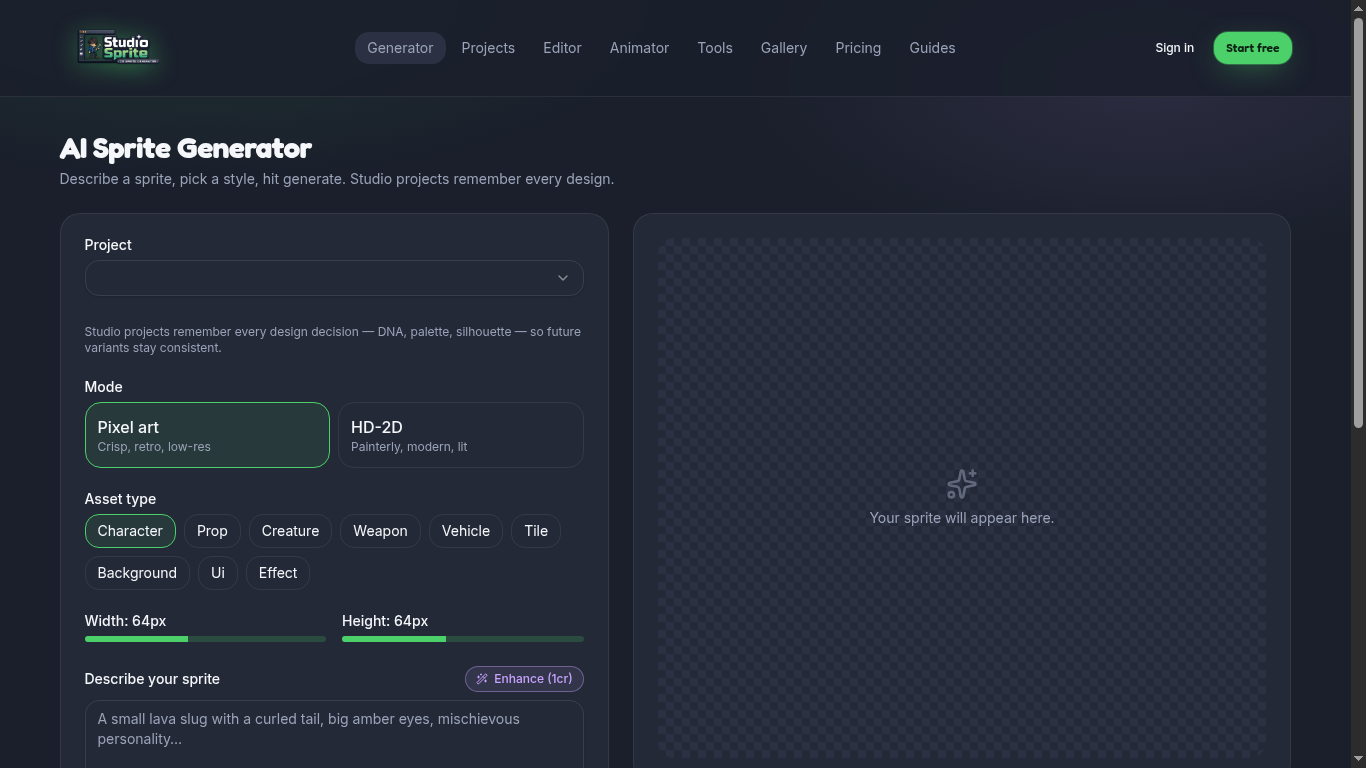
The AI Generator is the front door to StudioSprite. You type a prompt, pick a project and asset type, and the AI returns a transparent-background sprite at the size you chose.
How to use it
1. Open /generator (or Tools → AI Generator). 2. Pick a Project to inherit DNA, or choose Loose sprite. 3. Set Mode (Pixel / HD-2D), Asset type, and Width × Height. 4. Write a prompt using the four-ingredient formula (see *Writing sprite prompts*). 5. Optionally drop a reference image for palette/style anchoring. 6. Hit Generate.
Pro tip
Use Enhance (1 credit) to rewrite vague prompts into the canonical four-ingredient shape.
Open the tool
Find it on the Tools page under its category. Every tool runs in your browser — no upload limits, no credits charged.
Ready to try it?
Open the generator →